Troubleshooting the UAG as IdP and Horizon Connection Server as SP – A SAML Integration Story

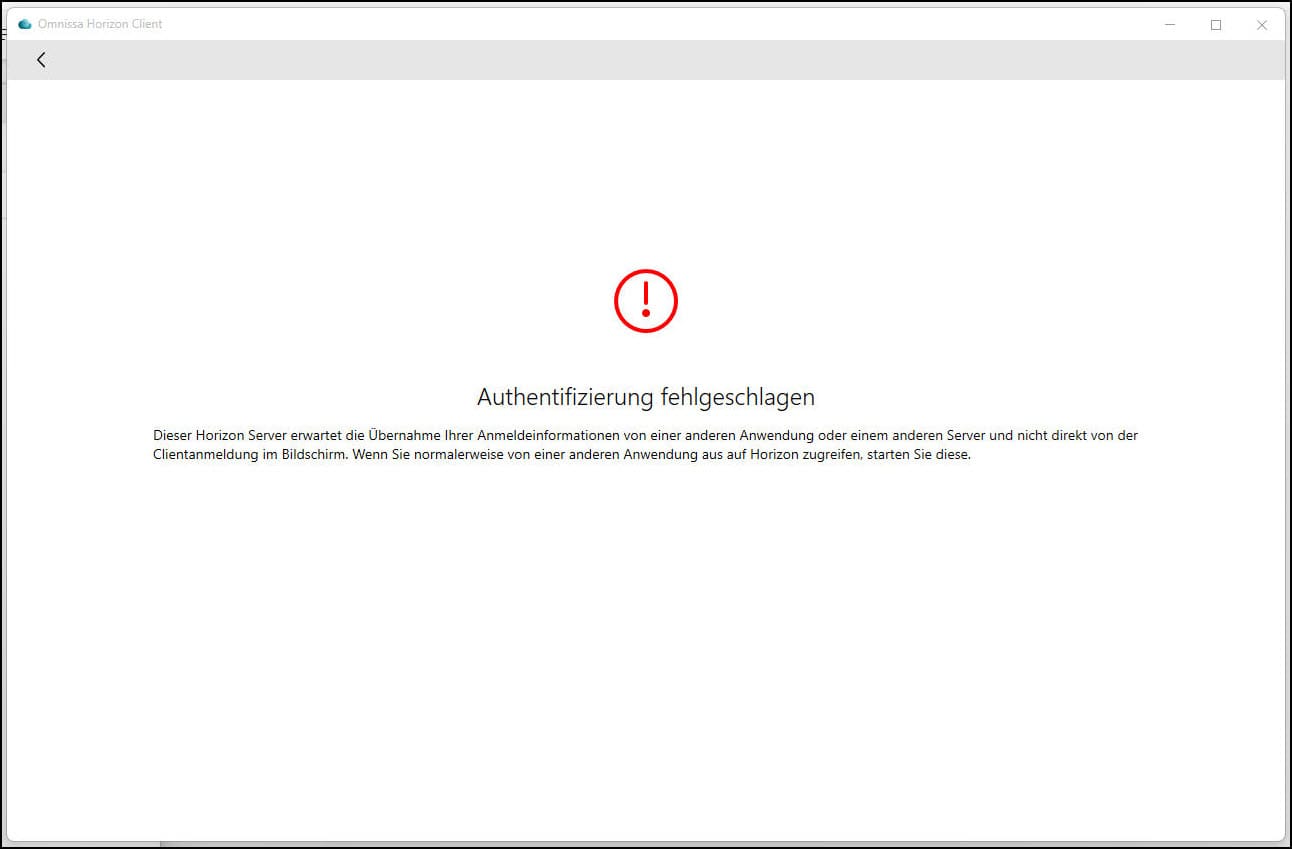
When using the Omnissa Unified Access Gateway (UAG) as the Identity Provider (IdP) for the Omnissa Horizon Connection Server as the Service Provider (SP) via SAML, I ran into an unexpected and difficult-to-troubleshoot issue. This blog post outlines my journey from initial setup to identifying the root cause, and the lessons I learned along the way.
Starting Point
The requirement was clear: the UAG acts as the IdP, issuing SAML assertions, and the Horizon Connection Server consumes them as the SP. I followed the Omnissa documentation for the configuration, and at first everything worked as expected:
- The UAG (IdP) issued assertions correctly.
- The Horizon Connection Server (SP) accepted the SAML assertions.
- User logins went through without issues.
Everything looked good—until the first server restart.
The Problem After Restart
After restarting the Connection Server, I suddenly faced SAML2 Artifact Response Errors. Even though the configuration had not been changed, authentication broke. Digging into the logs revealed that the metadata file at:
<connection server>/SAML/metadata/sp.xml
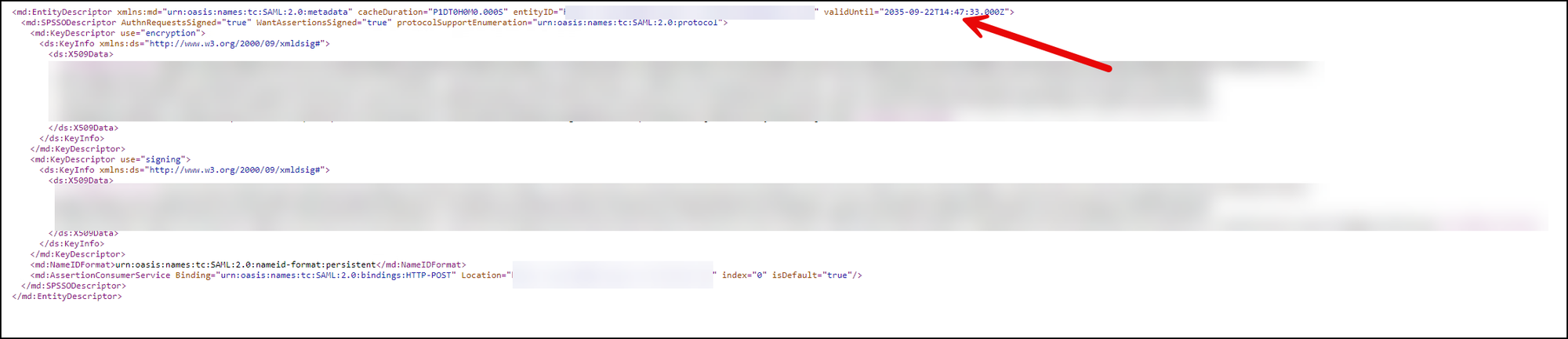
was being regenerated automatically after every restart of the Connection Server.
This caused a mismatch: the UAG (IdP) still had the old SP metadata on record, while the Connection Server (SP) presented a new one. As a result, the artifact resolution process failed and authentication stopped working.
Root Cause
This turned out to be a bug: the Connection Server dynamically regenerated the SAML Service Provider (SP) metadata file after a restart. Since the IdP (UAG) was configured with the original metadata, the new keys and/or entity information no longer matched.
Here is the official KB Entry from Omnissa
Lessons Learned
- Watch for metadata regeneration: Don’t assume SAML metadata stays static. In this case, the Connection Server regenerated it.
- Correlate logs: Reviewing Horizon (SP) logs alongside the UAG (IdP) logs was key to pinpointing the mismatch.
- Have a metadata update plan: If metadata can change automatically, define a quick process to update the IdP configuration.
Resolution
With the upgrade to Horizon 2506, the problem was resolved. The Connection Server no longer regenerates the sp.xml in a way that breaks trust with the UAG IdP, and SAML2 authentication continues to function correctly after restarts.
Conclusion
Even well-documented setups can hide pitfalls. The automatic regeneration of sp.xml after a Connection Server restart broke the SAML trust and led to tricky authentication errors. Identifying the root cause allowed me to adapt the workflow and ensure a smooth integration going forward.
If you’re seeing SAML2 artifact response errors after a restart, verify whether your sp.xml was silently replaced—that check might save hours of troubleshooting. And if possible, upgrade to Horizon 2506 or later, as it resolves this issue.